
Practical AI that takes the admin off your plate, so your team can focus on customers and growth.
We build AI-powered workflows that answer enquiries, qualify leads, chase follow-ups and pull your reports together, all connected to the tools you already use.
Less time on admin, more time on customers and growth, with your team in control the whole way.
Most businesses we talk to don't need a robot. They need the small, repetitive jobs to stop slipping through the cracks.
And the caller tries the next business on Google.
Until someone finds a spare minute to reply.
Because everyone's busy with today's jobs.
Copying numbers from five dashboards into a spreadsheet.
None of these jobs need much judgement. They just need doing, every time. That's exactly the kind of work AI is now well suited to.

Here's what a typical lead workflow looks like once it's automated. Each step runs in the background, day or night, and your team steps in where they add the most value.
A web form, missed call or social message comes in, even after hours.
Example: 9:47pm · “Hot water's gone. Can someone come tomorrow?”
It picks out the job type, location and urgency, and checks them against your rules.
Example: Job: hot water · Belmont · Urgent
Anything unusual? It's flagged for a person, not guessed at.
The contact and enquiry are logged with a short summary, so nothing gets re-typed.
Example: Contact created · Tagged “Hot water” · Summary added
The customer gets a prompt, on-brand reply with a clear next step.
Example: SMS: “Thanks Sam, here's a link to book a time that suits →”
Urgent jobs go straight to the right phone. The rest wait in a tidy summary.
Example: Sent to: on-call tech
The workflows worth building aren't flashy. They're the jobs that eat into your week without needing much judgement. Here's where we usually start.
On the tools while the phone rings? These workflows keep new work coming in while you're busy.
Answer calls and chats after hours or when you're flat out, capture job details, answer common questions and book or route the job. Every conversation is logged.
Sort genuine jobs from tyre-kickers by area, job type and urgency, and send each to the right person.
Quotes that have gone quiet get a timely, personal nudge, so nothing relies on memory.
When a job's marked complete, the customer gets a friendly request for a Google review.
Customers want answers now. These workflows handle the repetitive questions and the data behind them.
“Where's my order?”, sizing, delivery and returns answered from your own policies and order data. Anything tricky goes to your team.
First drafts of product descriptions and email ideas in your brand voice, checked by a person before they go live.
Order, review and support history tagged and fed into your email platform, so campaigns reach the right people.
Sales, ad spend and stock alerts summarised and in your inbox before your first coffee.
Reports, inboxes and records eat into every week. These workflows keep the background admin moving.
Ad, analytics and CRM data pulled into one plain-English summary, on a schedule you choose.
Emails sorted, summarised and drafted for your approval, so the urgent ones get seen first.
Duplicates merged, call notes summarised and records kept up to date without anyone typing.
Quick answers to the questions staff ask every week, drawn from your own procedures.
Looking for email and SMS marketing flows? See CRM & Automation
You don't need new software or a new system to learn. We connect AI to the platforms you already run on: your CRM, inbox, calendar, website forms, online store and accounting software.
Many of those platforms now include AI features. If a built-in feature does the job, we'll set it up properly and tell you so. If not, we build a custom workflow around your existing tools.
We recommend what suits your business, not a particular vendor. Some tools have their own subscription, and we'll explain any costs upfront.
Connects withYour existing tools
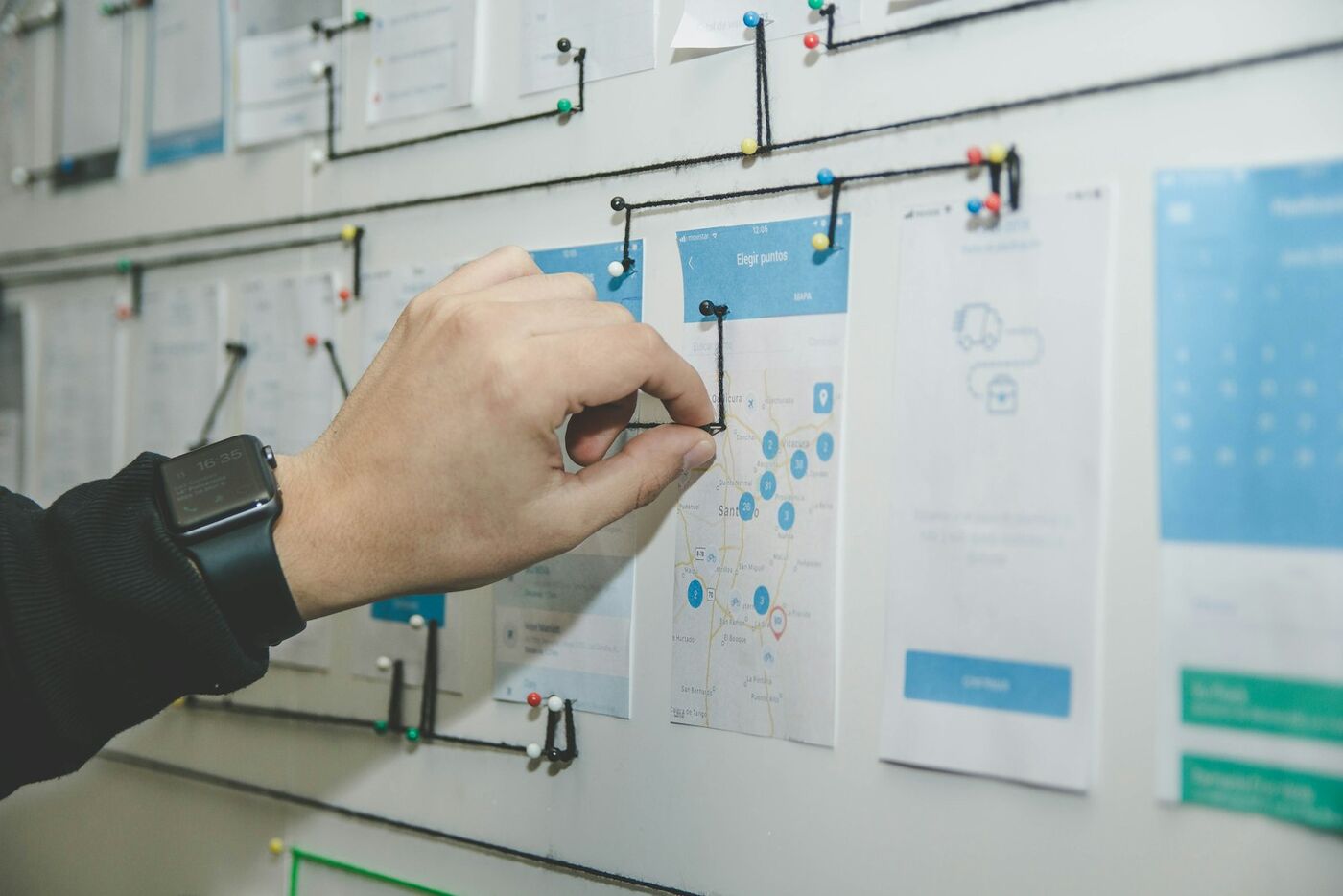
In a free strategy session, we look at where your team's time actually goes and pick the repetitive work worth automating first.
We map out each step, the rules it follows and where a person stays in the loop, and talk it through with you before anything is built.
We build it into your existing systems and test it on real examples. We start with one workflow, so you can see it working before adding more.
We keep an eye on each workflow after launch, refine it as your business changes, and report back monthly in plain English.
Good automation should make your business easier to run. Here's how we design every workflow.
A small, senior team that already runs the marketing behind your leads.
Book a Free Strategy SessionYour workflows are designed and built by senior specialists with 20+ years' combined experience. No juniors, ever.
We also run ads, SEO and email, so we know where your leads come from and what should happen next.
If the AI already built into your tools does the job, we'll tell you.
Google, Meta, Shopify, Klaviyo, TikTok, Pinterest and SEMrush.
Monthly updates on what each workflow is doing, without the jargon.
No lock-in contracts. 100% of our clients have stayed with us for 12 months or more.
Book a free strategy session with a senior specialist. We'll look at how your business runs today, point out the admin worth automating first, and give you a straight answer on whether it's worth doing. No pressure, no hard sell.